Rinosa: Crafting Presentations That Truly Connect
You’ve got the data. You’ve got the ideas. But when you open a blank PowerPoint slide, that mix of excitement and dread sets in. How do you turn a list of bullet points and a few charts into something that holds attention, looks professional, and actually helps your audience understand your message? For too many of us, the default templates feel stale, and building a deck from scratch is a time sink we can't afford. This is where a thoughtfully designed asset changes the game, not by doing the work for you, but by giving you a powerful, flexible foundation to build upon.
Beyond Slides: A Visual Communication System
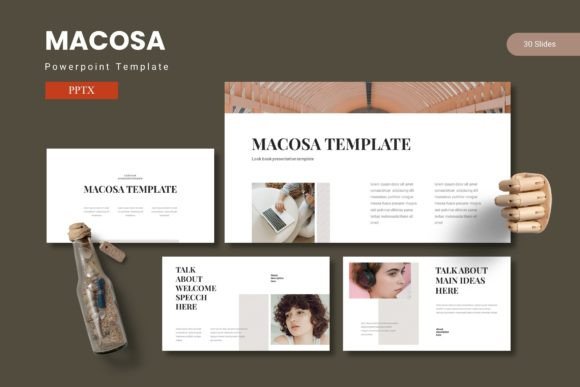
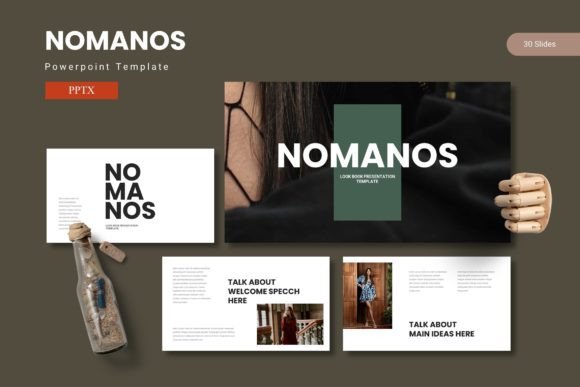
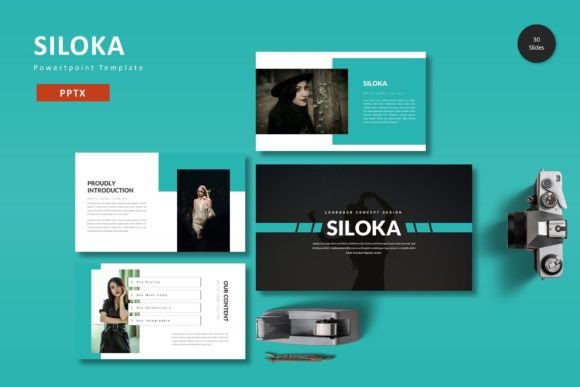
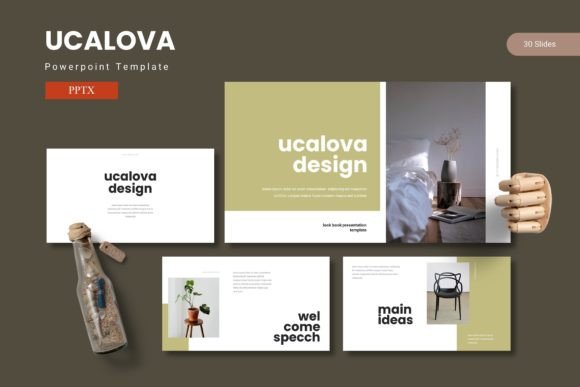
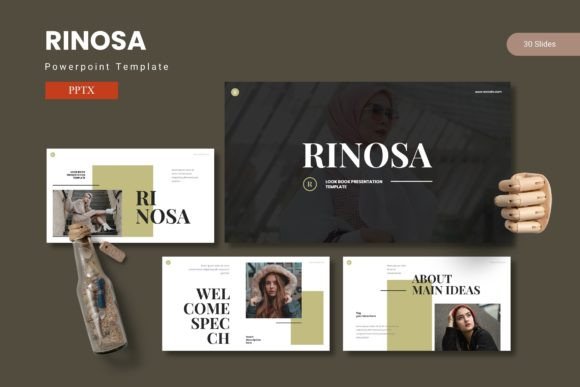
At its core, Rinosa is more than a collection of slides; it's a visual communication toolkit. The value lies in its structure. With over 150 slides organized across five distinct color schemes, you're not just getting a pretty background. You're getting a system designed for real-world use. Think of the 30 slides per template as a complete narrative arc for a single presentation—introduction, deep dive, data visualization, team showcase, and a compelling conclusion. The inclusion of dedicated section break slides is a subtle but crucial detail. It allows you to mentally and visually compartmentalize your talk, guiding your audience through complex information without overwhelming them. This kind of thoughtful organization is what separates a forgettable slideshow from a persuasive presentation.
Where Design Meets Practicality
The real test of any design asset is how it performs under pressure. Can you customize it quickly for a client meeting tomorrow? Does it hold up when you swap in your own brand colors and imagery? This template is built on master slides, which is the professional standard. This means when you make a global change—like updating a font style or adjusting a color—it cascades through the entire deck instantly. No more tediously editing each slide one by one. The pixel-perfect illustrations and resizable graphics are another major win. Instead of hunting for stock images that might clash, you have a cohesive visual library at your fingertips. The drag-and-drop picture placeholder is a simple feature that saves immense time, letting you focus on selecting the right image rather than wrestling with formatting.
A Toolkit for Diverse Creative Projects
While designed for presentations, the assets within Rinosa have a utility that extends far beyond the conference room. Consider the handcrafted infographics and gallery slides. These elements can be repurposed as standalone graphics for a variety of marketing assets. A beautifully designed chart from a slide can be exported and used in a social media post to announce quarterly results. The portfolio layout is perfect for a quick mockup to share on a blog or with a freelance client. For small business owners, the consistent visual language across the slides can inspire other parts of their brand identity, from the layout of a one-page brochure to the aesthetic of an email newsletter. It’s about leveraging a single, high-quality design investment across multiple touchpoints to build visual consistency and brand recognition.
Making Smart Choices for Your Brand
Adopting a new design template is an opportunity to refine your brand’s visual voice. The five provided color schemes offer a starting point, but the real magic happens when you align them with your existing brand palette. Does your brand feel energetic and modern? A vibrant color scheme might be the fit. Is it more corporate and trustworthy? A muted, professional palette could be better. This is where you move from using a template to making it your own. Similarly, while the template comes with suggested fonts, you should always review the included font styles and consider your own font pairings. Ensure the typography you choose for your final presentation aligns with the tone of your content and maintains readability across different devices and screen sizes. A premium font choice can elevate the entire feel, but never sacrifice clarity for style.
Bringing It All Together with Confidence
Ultimately, the goal of any presentation tool is to let your ideas shine. A well-structured template like Rinosa handles the heavy lifting of design and layout, freeing you to concentrate on your story, your data, and your connection with the audience. It provides the professional polish needed to be taken seriously, whether you're pitching investors, educating clients, or sharing your creative work. By starting with a strong, customizable foundation, you spend less time formatting and more time refining your message. The result is a presentation that doesn’t just look good—it feels cohesive, intentional, and effective. It’s about sharing your ideas with the confidence that your visuals are working as hard as you are.