Present with Impact: The Prestige PowerPoint Template
You’ve got the data, the strategy, and the big idea. But when it’s time to present, the default slides feel flat, and your message gets lost in a sea of bullet points. The gap between a good idea and a compelling presentation often comes down to design. That’s where a tool like the Prestige PowerPoint Template steps in—not as a magic fix, but as a foundational asset for clear, professional communication.
Beyond Slides: A System for Visual Storytelling
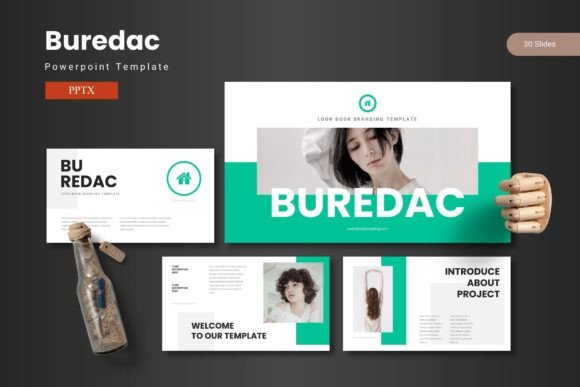
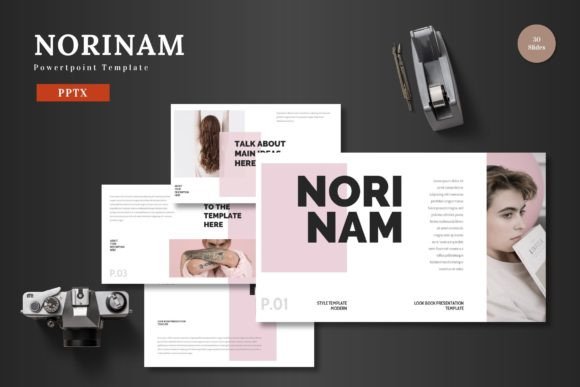
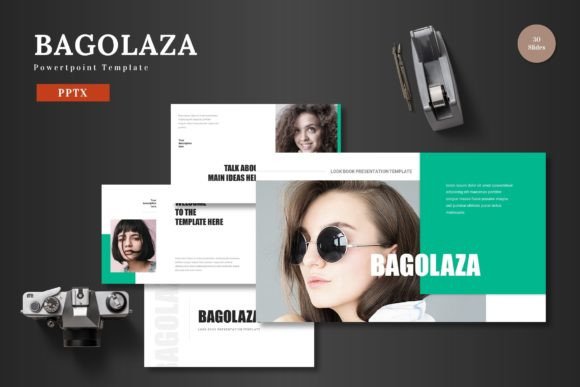
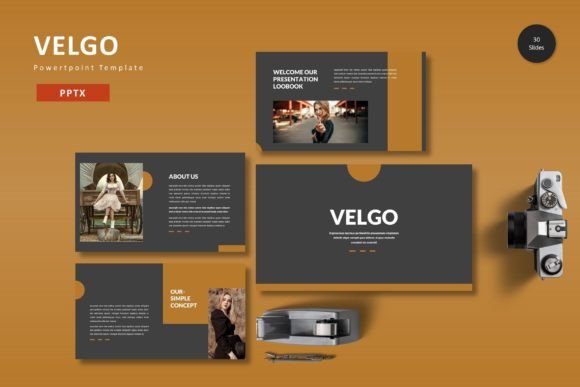
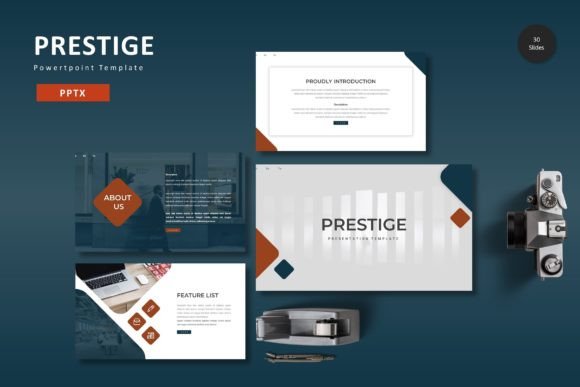
Prestige is more than a collection of pre-designed slides. It’s a structured system built on 150+ total slides across five premade color schemes. Each of the five templates contains 30 meticulously crafted slides, giving you a consistent yet flexible starting point. The inclusion of section break slides helps organize your narrative, creating a natural flow that guides your audience from problem to solution, data to insight, and concept to call to action. The handcrafted infographics and pixel-perfect illustrations are designed to transform complex information into digestible, engaging visuals, making it easier to explain processes, showcase results, or highlight key metrics without overwhelming your listeners.
For the entrepreneur or marketer, this structure is invaluable. Imagine preparing a quarterly business review. Instead of spending hours aligning text boxes and hunting for icons, you can drag and drop your content into pre-built layouts for timelines, team introductions, project milestones, and financial charts. The master slides ensure that every page maintains the same typographic hierarchy and spacing, which is crucial for brand recognition and a polished, professional presentation. This consistency signals attention to detail and builds subconscious trust with your audience, whether they are potential investors, clients, or your internal team.
Practical Applications for Real-World Projects
The true value of a design asset like this is measured by its utility across various projects. The customizable layouts within Prestige are not just for corporate boardrooms. A small business owner can use the gallery and portfolio slides to showcase products, customer testimonials, or past work in a client pitch. A content creator or blogger can adapt the templates to create visually cohesive webinar slides or online course materials that reinforce their personal brand. The design’s modern typography and clean lines make it suitable for presenting social media campaign results, outlining a new marketing strategy, or even designing a compelling proposal for a freelance project.
Think about the practicalities of brand identity. Consistent use of color, font, and imagery across all touchpoints strengthens recognition. With Prestige’s five color variations, you can select the scheme that best aligns with your existing brand palette or use it as inspiration for a refresh. The fact that all graphics are resizable and editable means you can maintain visual harmony even when adapting the template for different contexts—perhaps using a subset of slides for a quick internal update and the full suite for a major external launch.
Maximizing Your Template: Tips for Effective Use
Having a powerful template is one thing; using it effectively is another. First, resist the urge to use every slide. Start with your core message and select only the layouts that serve that narrative. The section breaks are your best friend for pacing. Use them to pause and transition between major points, giving your audience a mental breath.
Next, leverage the picture placeholder feature strategically. Drag and drop high-quality, relevant images that tell a story. Avoid generic stock photos where possible. For a product packaging design pitch, for instance, use the gallery slides to display mockups. For a social media strategy presentation, populate slides with examples of past successful posts or campaign visuals. The template’s design will frame your content beautifully, but the content itself must be compelling.
Finally, pay attention to the details. The included readme file with font and photo information is there for a reason. Ensure you have the correct fonts installed to maintain the intended design integrity. If you plan to use the template for commercial projects, verify the licensing for the fonts and any included graphical elements to avoid legal issues down the line. A template is a starting point, but your unique content, clear messaging, and thoughtful customization are what will make your presentation resonate and achieve its goals.